Approximately Up Time Rewind (P Key)
Undo flight mistakes in fly mode — and know when events disable it.
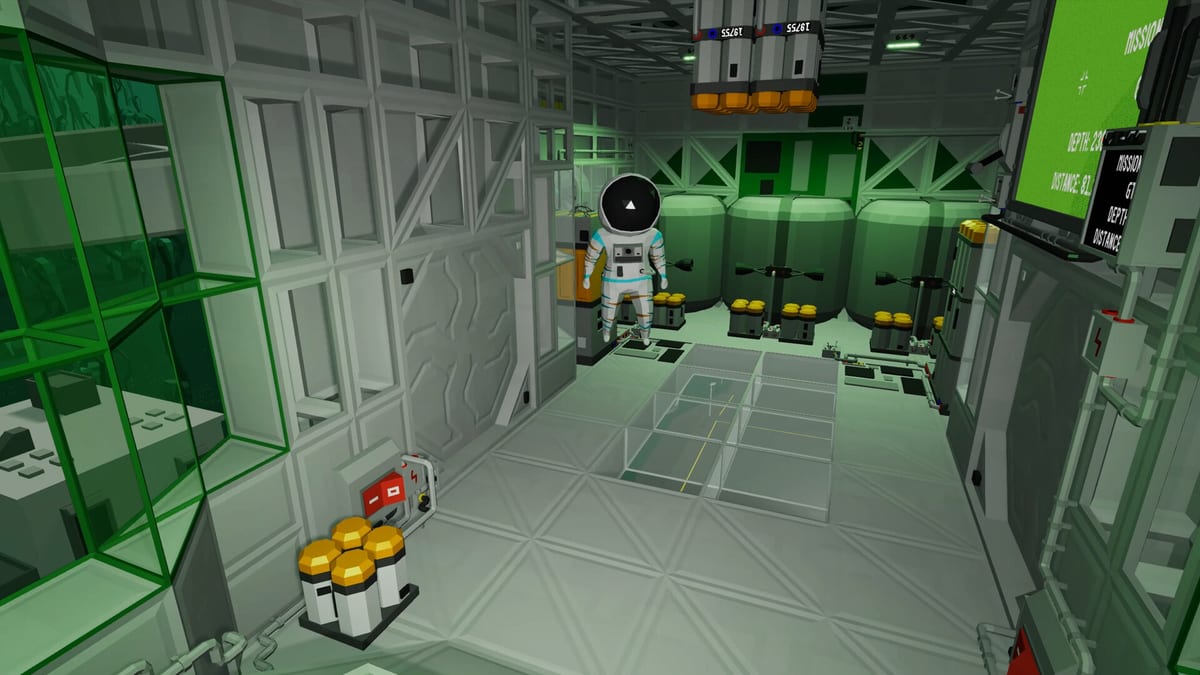
Time rewind is Approximately Up’s safety net for first-person flight. While in fly mode (R), press P to open the time rewind interface and step backward through recent ship states — useful when you clip a pad, snap a landing leg, or flip an RCS-heavy approach. It is listed in the default Controls menu alongside inventory (I), objectives (O), and blueprints (B).
Rewind is not unlimited god mode. Community events and some challenge rules disable rewind, and it does not replace garage editing (G) when your design — not pilot error — caused the failure. This guide explains when to rewind, when to end flight instead, and how challenge missions treat P.
How to use time rewind
- Enter fly mode by holding R until physics engage.
- Fly until something goes wrong (collision, uncontrolled spin, cargo slide).
- Press P to open time rewind.
- Scrub or step back to a stable point before the mistake.
- Resume control and continue the approach.
Rewind captures recent flight history, not garage changes you made hours ago. If you rewired thrusters before launching, fix wiring in G — rewind will not restore old cable layouts from a previous session.
Time rewind versus ending flight (R)
| Action | Key | Effect |
|---|---|---|
| Time rewind | P (in fly mode) | Rewinds ship state within the current flight timeline |
| End fly mode | Hold R again | Ends flight and resets scene to pre-flight arrangement |
Use P when the ship design is fine but the landing trajectory is wrong — you want another attempt without rebuilding.
Use end flight (R) when loose parts fell off, the frame bent, or you need to patch blocks in garage mode before relaunching.
Many Moon Landing practice sessions alternate: rewind for approach timing, end flight for hull damage.
Event rules: when rewind is banned
Steam community posts describe the No Frame Challenge — build a Moonstep ship without Frame or Window blocks, reach a timed destination, and post screenshots. Official rules stated:
- You cannot use time-rewind during your journey
- All crew must survive to landing
- Stay on the pad 10 seconds until the timer turns green
Similar restrictions may apply to finale content like Fred’s Star. Read mission text and event posts before assuming P is legal. When rewind is banned, rely on Radar, Hover Logic, and co-op spotters (Co-op Guide).
Co-op and rewind etiquette
In four-player online co-op, one player’s rewind can desync others’ perception of the run. Agree crew rules:
- Pilot calls rewind before pressing P on ranked attempts
- Builder stays in garage during timed events — no mid-run edits
- Spotter reads radar/altimeter while pilot focuses on joysticks
For casual co-op nights, rewind keeps sessions fun. For challenge submissions, assume rewind is off unless rules explicitly allow it.
Limits and expectations
Time rewind does not:
- Restore cargo power if you forgot to plug in a freezer mid-mission — fix routing in Power and Data Routing
- Fix missing RCS thrusters — end flight and edit in G
- Replace Thrust Calculator math when TWR is too low
- Behave differently in timed challenge events than in casual campaign flights — read mission text before pressing P
It does help learners practice Controls without fear: reset levers with Mouse 3, rewind with P, rebuild with G.
Suggested practice loop
- Build minimal hopper in Build Your First Ship
- Launch (R), intentionally overshoot a pad
- Press P, rewind, retry landing
- End flight (R), add hover logic from Hover Logic, relaunch
- Attempt package mission without rewind to simulate event rules — Missions Walkthrough
Related guides
- Controls — full keybind table including P
- Moon Landing — when rewind saves lunar approaches
- Fred’s Star finale — demo-era finale still in the retail campaign; some events restrict rewind
- Demo vs full release — the Steam demo was delisted at launch; time rewind works the same in full retail
Time rewind lets Approximately Up stay chaotic without wasting an evening. Learn P, but do not forget G — the garage still fixes ships rewind cannot save.
Frequently Asked Questions
Quick answers to the most common questions.
What key is time rewind in Approximately Up?
Press P while in fly mode (R) to open the time rewind interface.
Does time rewind fix broken ship wiring?
No. Rewind only steps back within the current flight. End fly mode with R and use garage edit mode (G) to rewire.
Can I use time rewind in the No Frame Challenge?
Official event rules said you cannot use time-rewind during the journey. Assume the same for similar timed challenges.
Is time rewind available in co-op?
Yes in casual play, but coordinate with your crew — rewinds affect shared flight state. Event rules may ban it.
What is the difference between P and holding R again?
P rewinds within the active flight. Holding R again ends fly mode and resets the scene to its pre-flight layout.